

Beautiful, even when it’s off.
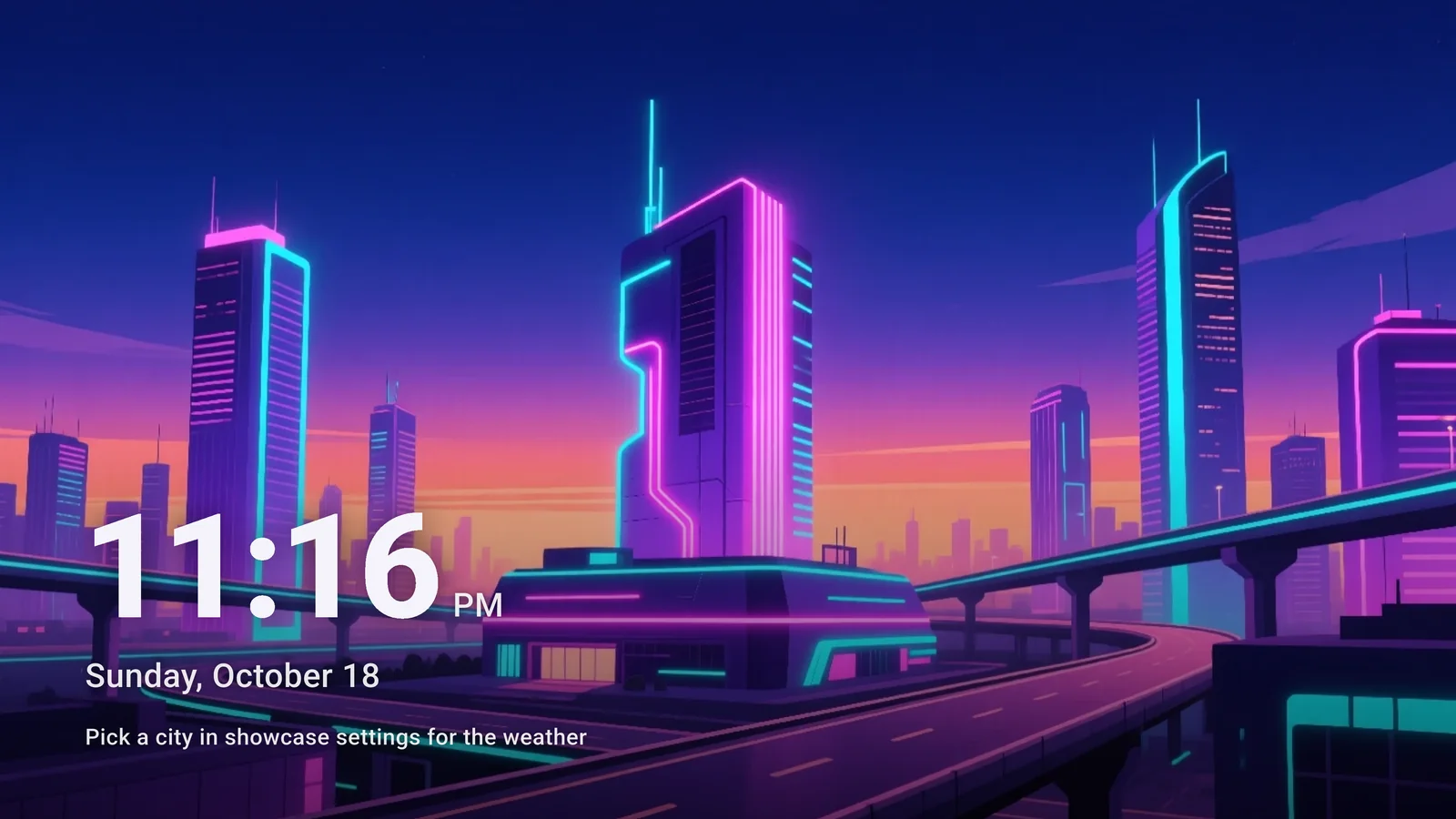
An idle TV shouldn’t be a black screen. Wallnivo turns your living room into an art gallery, complete with the time and weather.
- Android TV · Google TV
- Made for 4K screens
- Easy with a remote
- QR sign-in
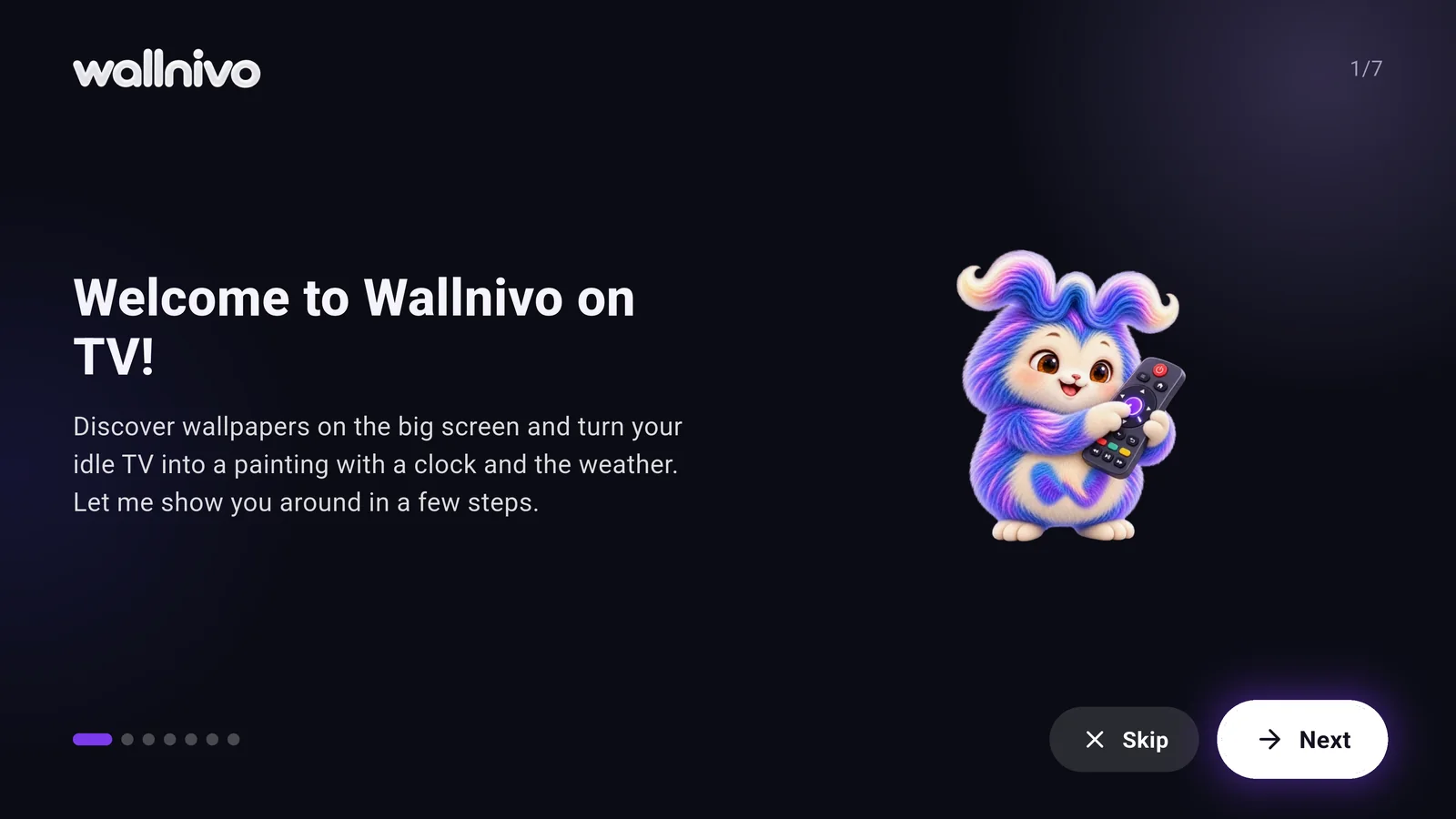
Designed for the big screen.
Effortless browsing with your remote, a showcase like a painting, a screensaver and sign-in with your phone in seconds.
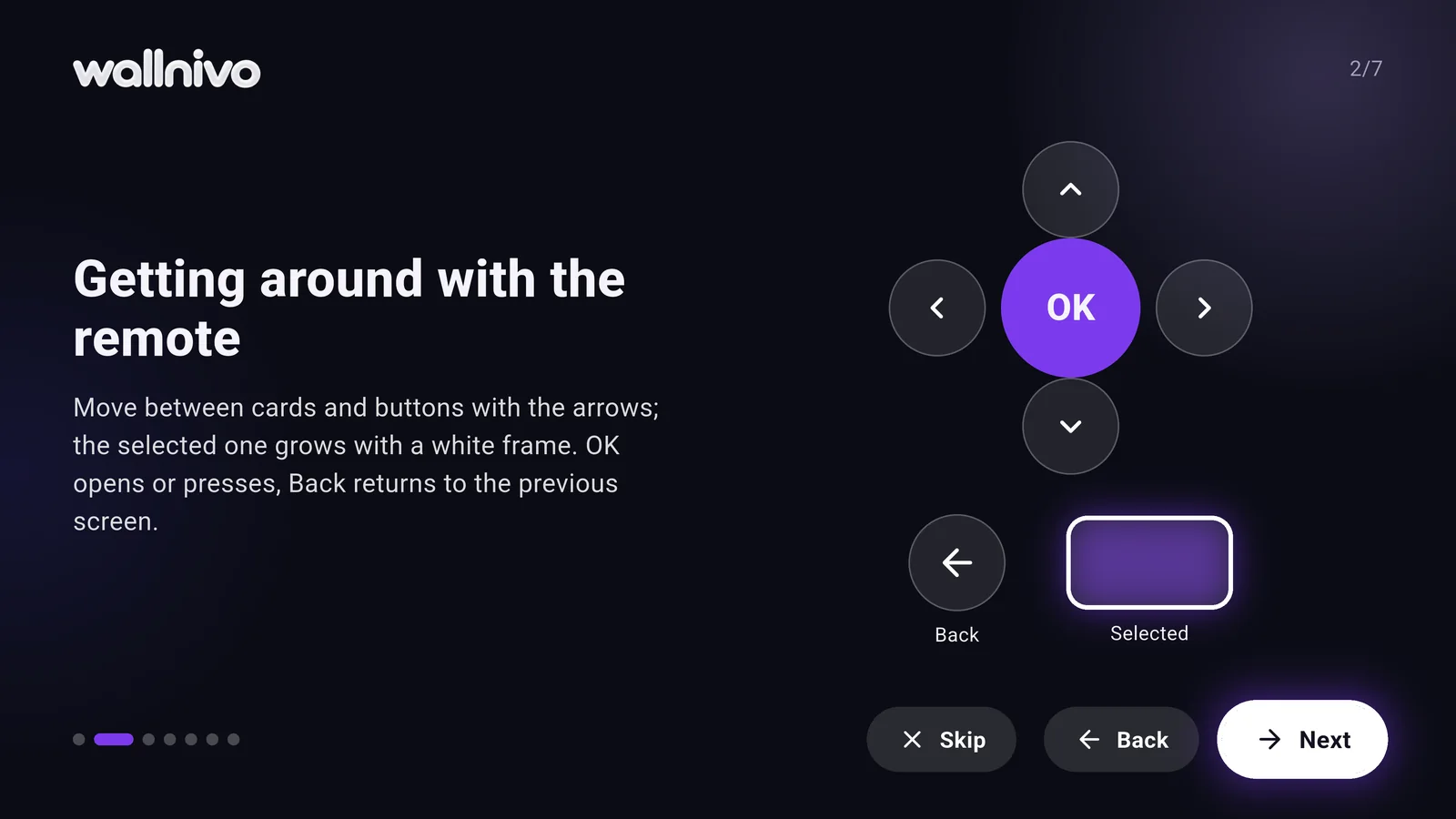
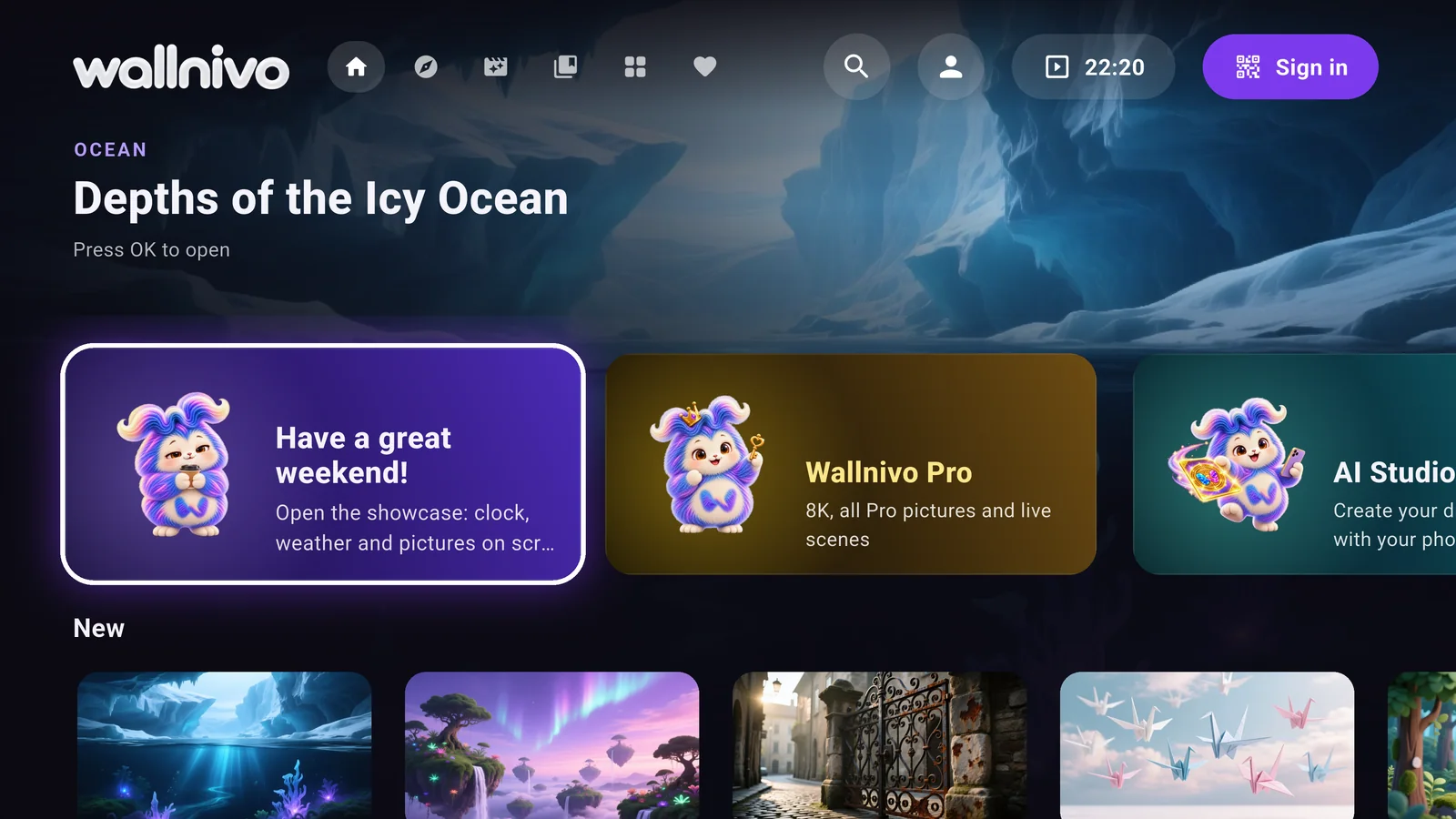
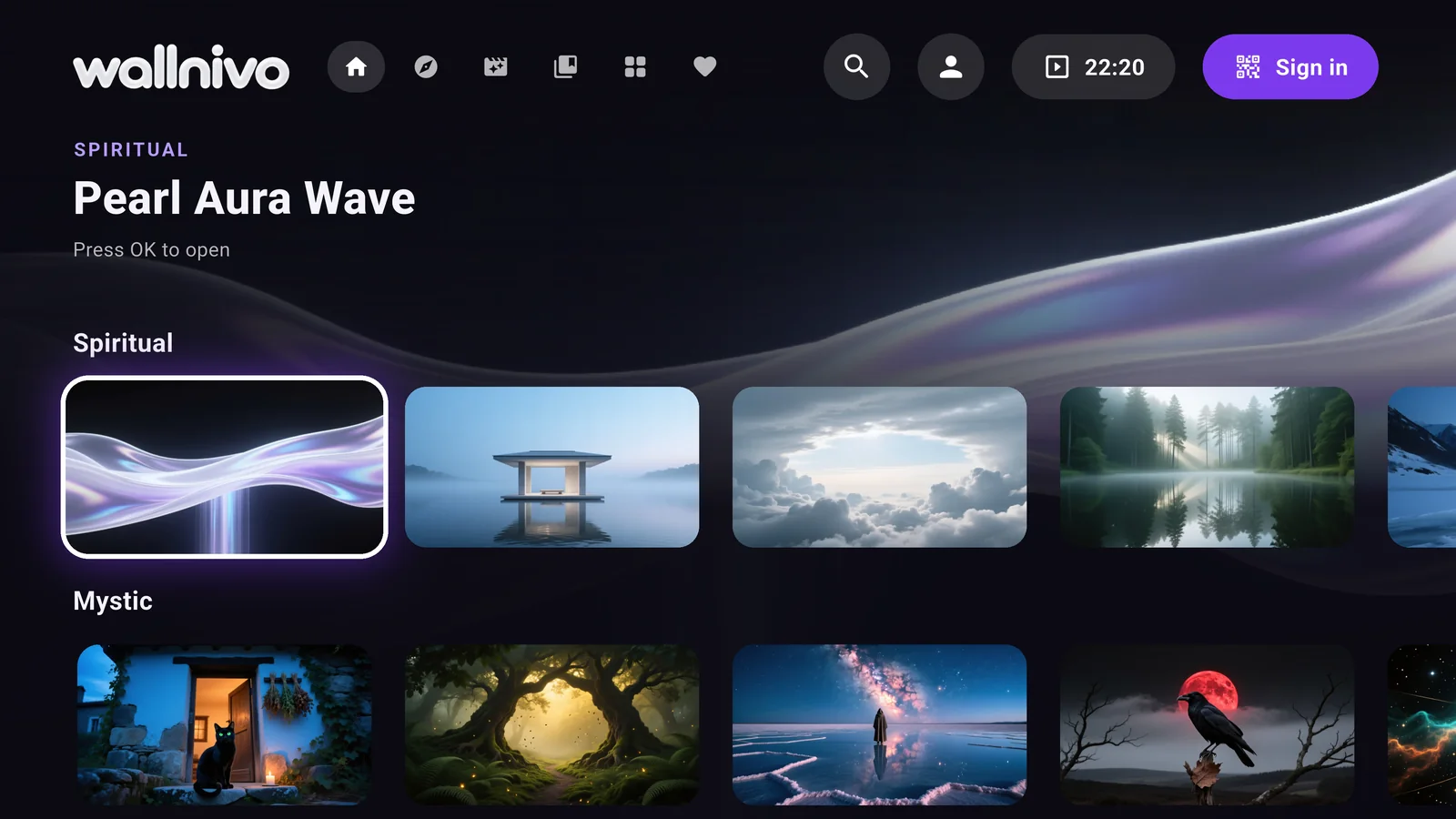
Arrows and OK. That’s it.
Big cards, clear focus and no keyboard. Everything is a few presses away, without leaving the sofa.
Made for the big screen.
Wide 16:9 pictures, cinematic full-screen backdrops and collections that suit your living room.
- Cinematic backdrop
- The picture you land on fills the screen behind.
- Picked for TV
- Only wide pictures and collections made for the big screen.
- Your favourites
- What you saved on your phone is with you on your TV.
Everything one press away.
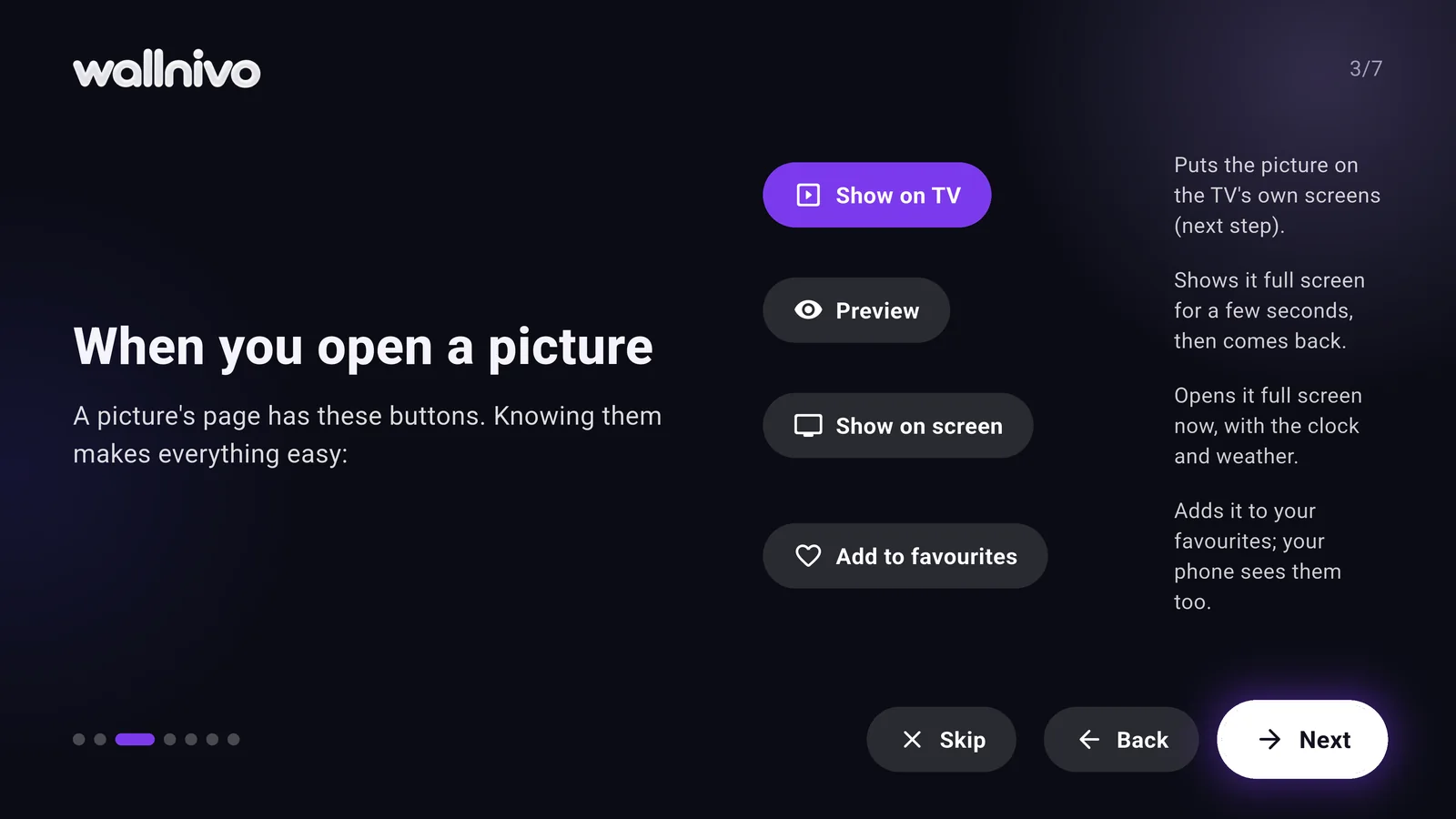
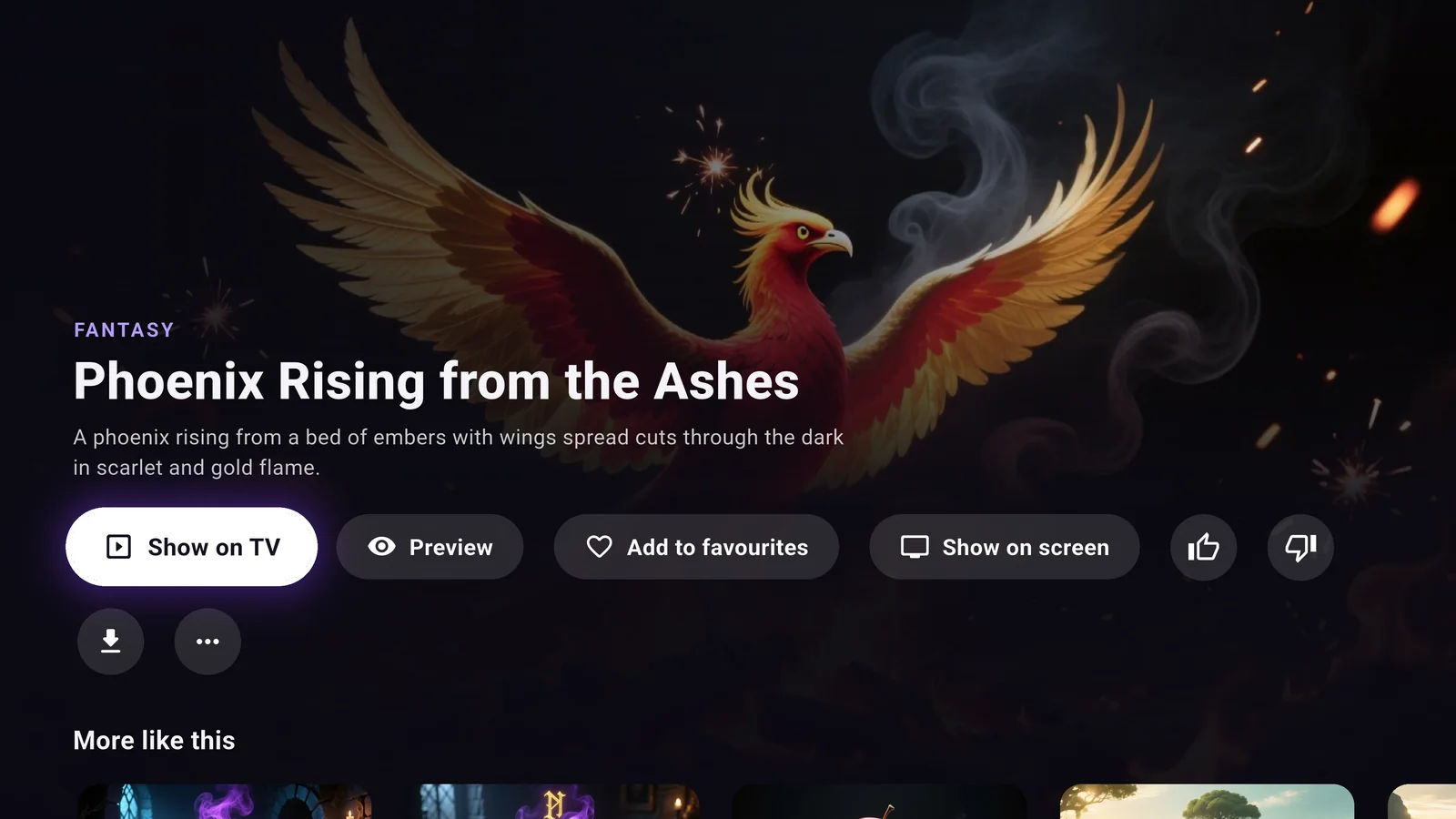
The picture fills the screen. Show it, preview it, save it or download it, each with a single press.
- Show on TV
- Add the picture to your home screen, screensaver and showcase.
- Preview
- A few seconds full screen, then right back where you were.
- More like this
- Pictures like the one you love, right below.
- Download to TV
- Save the picture to your TV and show it even offline.
Your picture, in every corner of your TV.
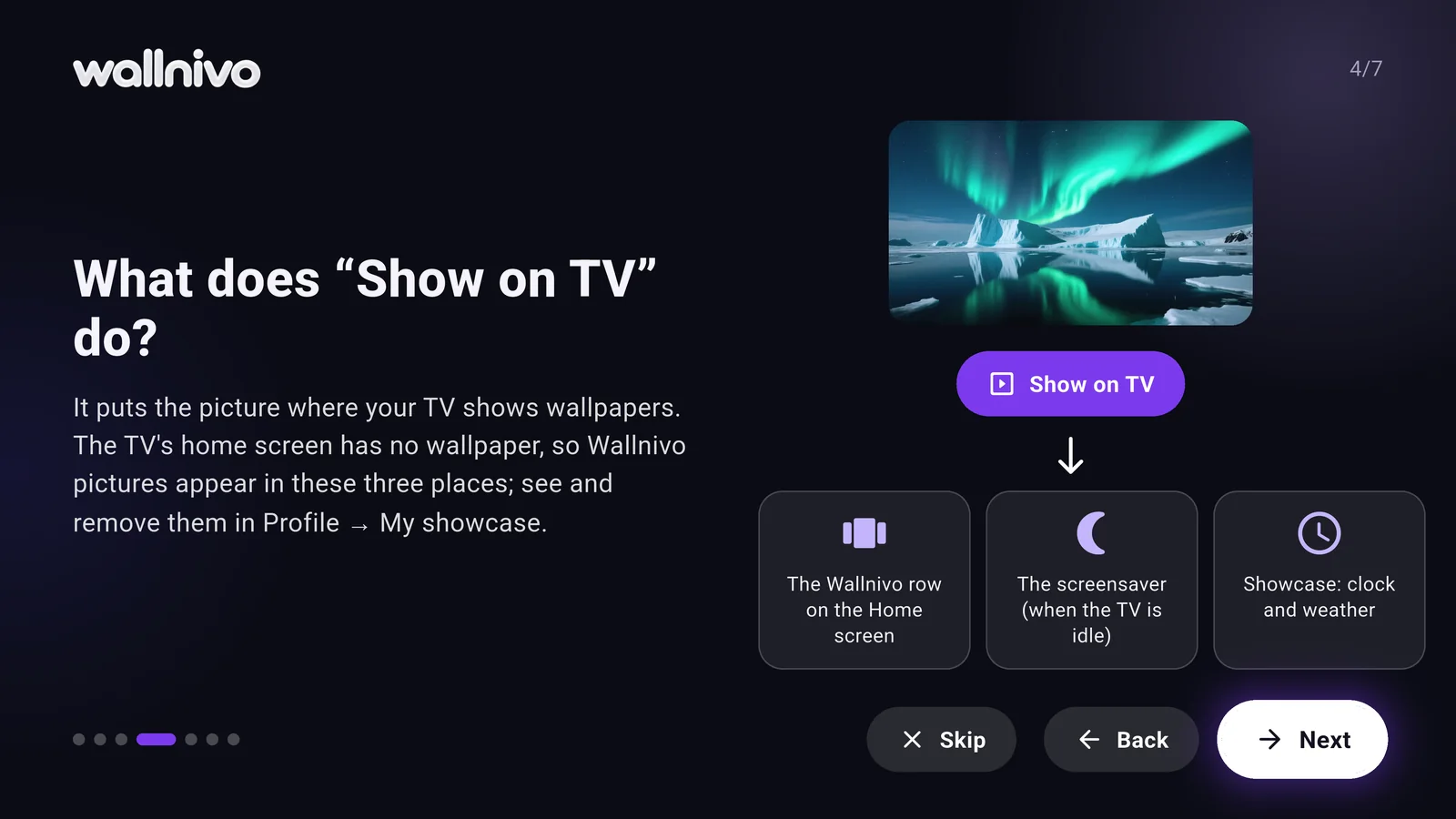
Wallnivo takes the pictures you pick to the places you see most on your TV.
A row on Home
A Wallnivo row made of your pictures, right on the Android TV home screen.
Screensaver
When the TV is idle, your picks glide slowly by.
Showcase
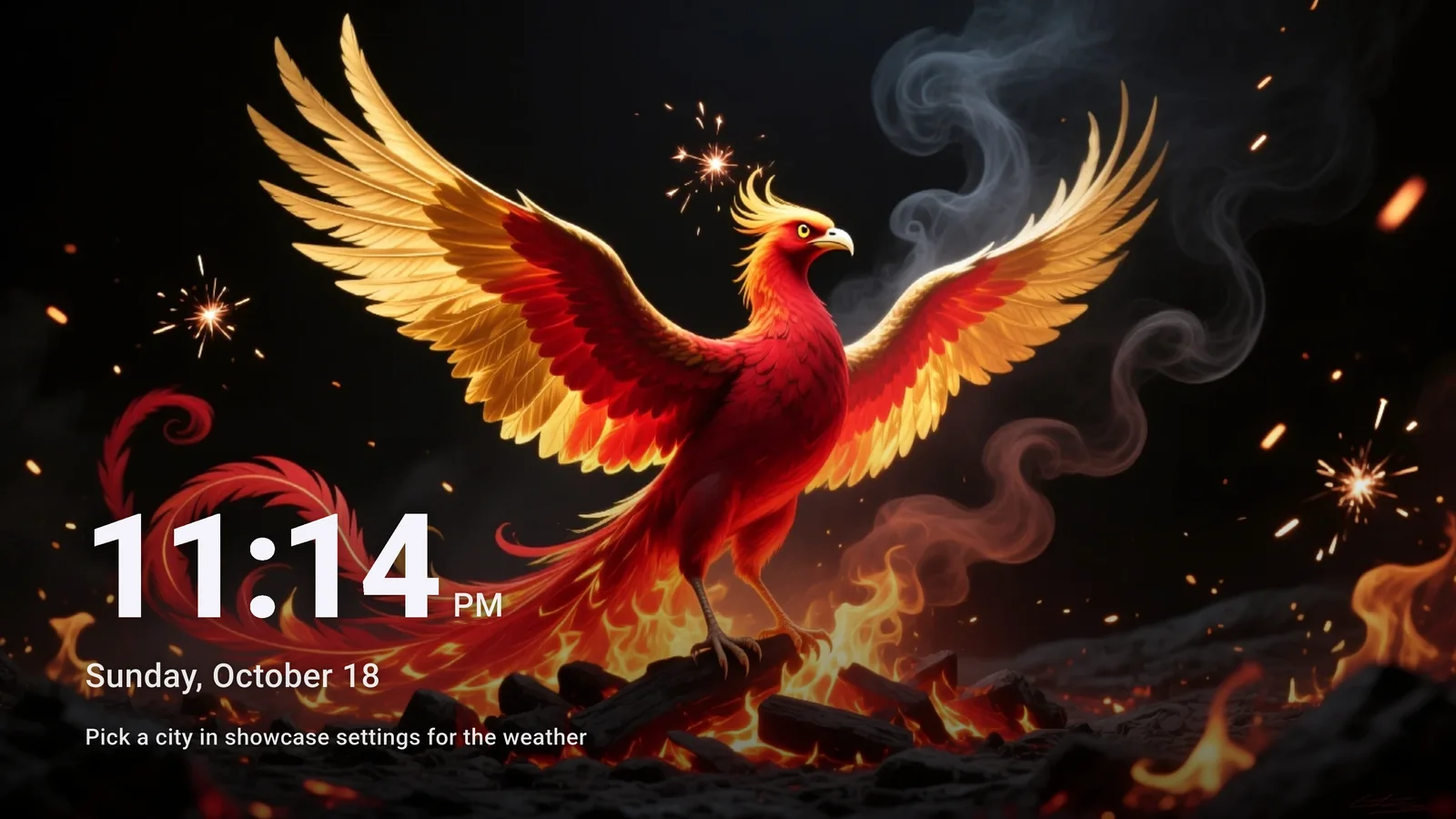
A full-screen painting with the time and weather.
Projectivy Launcher
Use Projectivy? Wallnivo becomes its background.
Your TV, a painting.
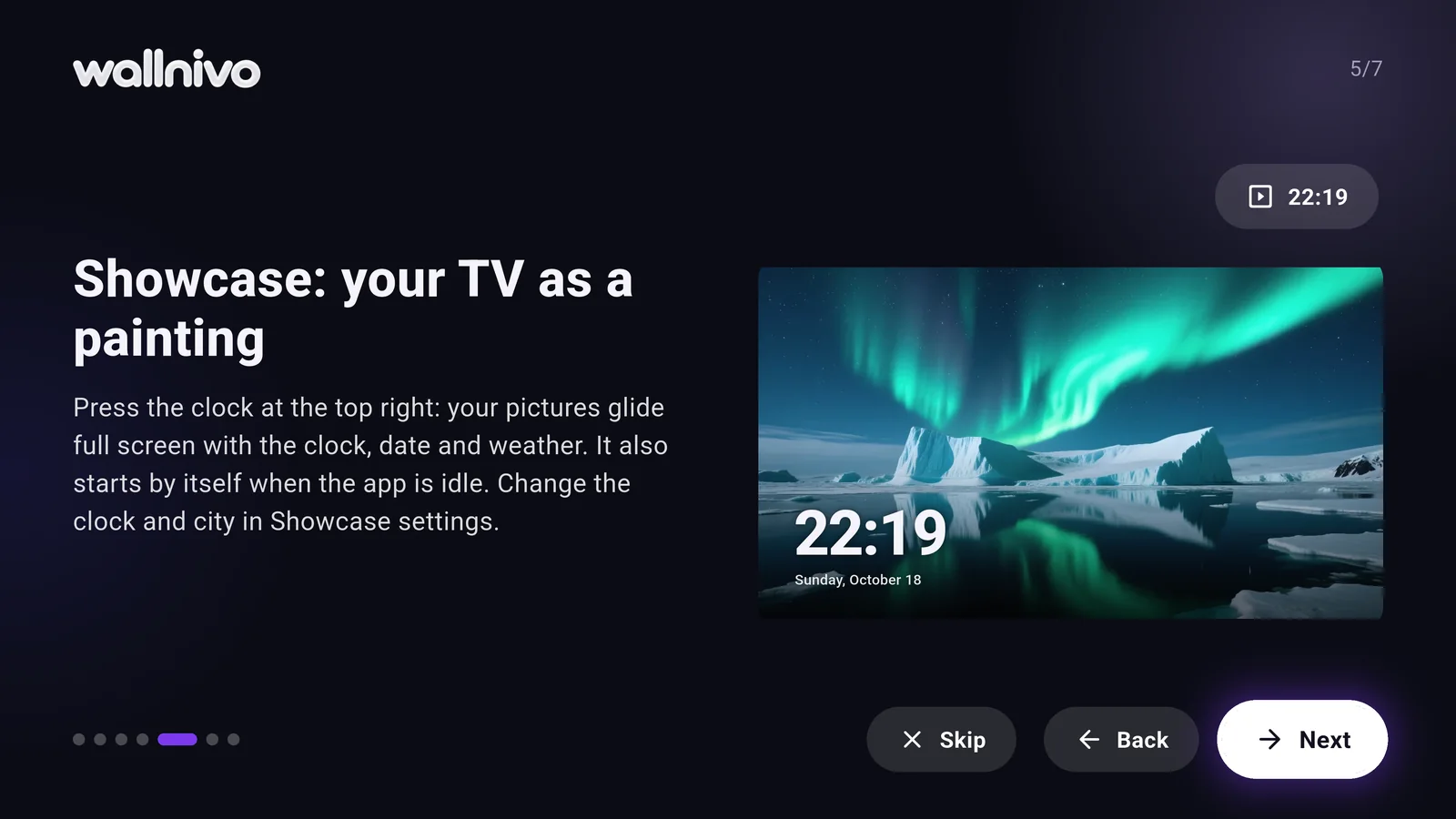
Pictures glide full screen with a slow zoom, the time, date and weather in a corner. When the TV is idle, the showcase can start by itself.
- Your clock
- Bold, thin or compact, in one of four positions.
- Weather
- Your city is found automatically.
- Your rhythm
- A new picture every 30 seconds, up to every 10 minutes.
- Starts by itself
- When the TV is idle, the showcase opens.
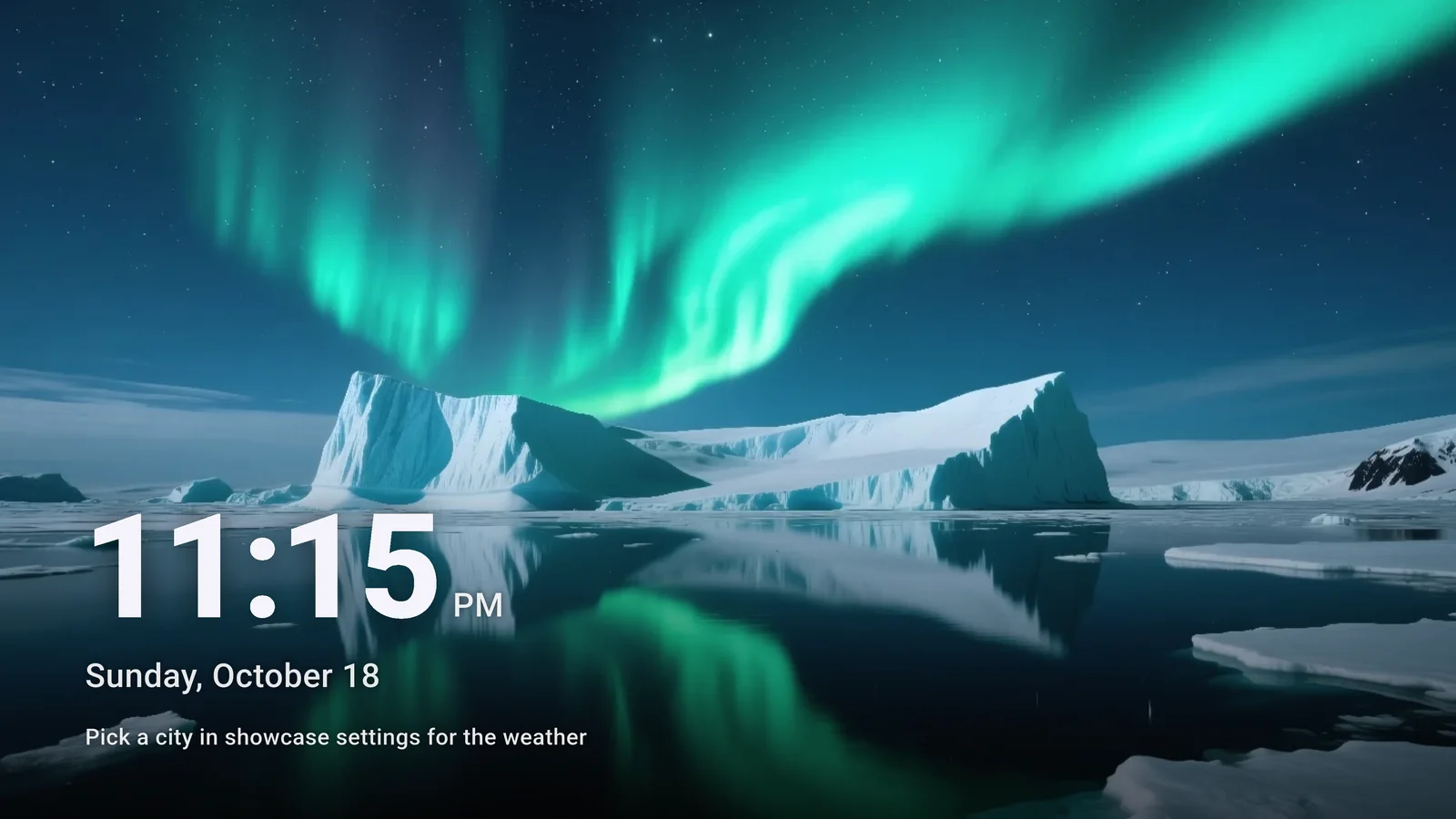
Even when the app is closed.
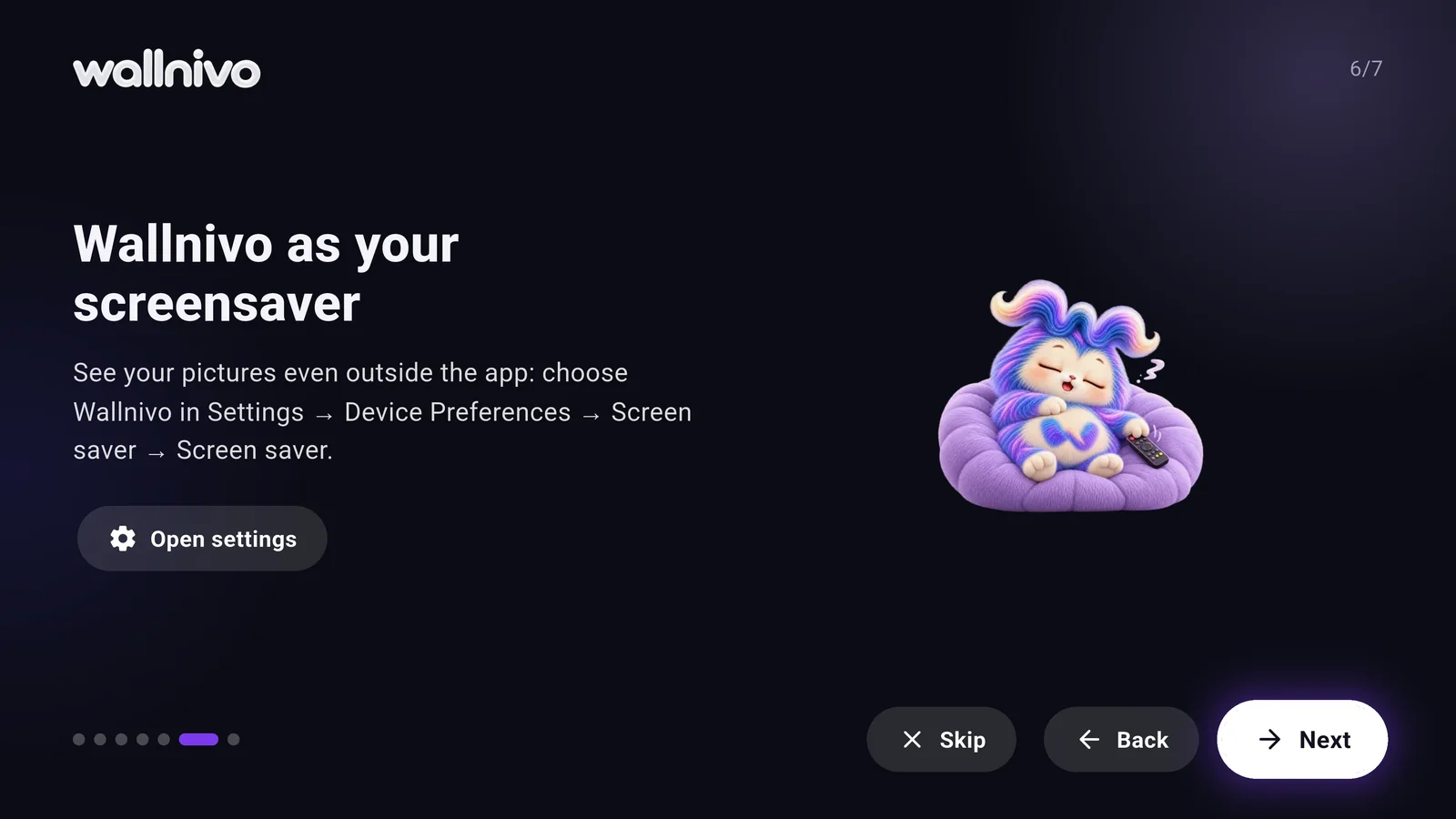
Wallnivo becomes your TV’s screensaver: your picks play with slow transitions, the screen dims gently at night, and the time and date stay on.
Motion for your living room.
Silent, looping scenes made for TV: nature, a cosy corner, city lights, space and the seasons. Coming very soon.
Coming soonNo keyboard. Just a QR code.
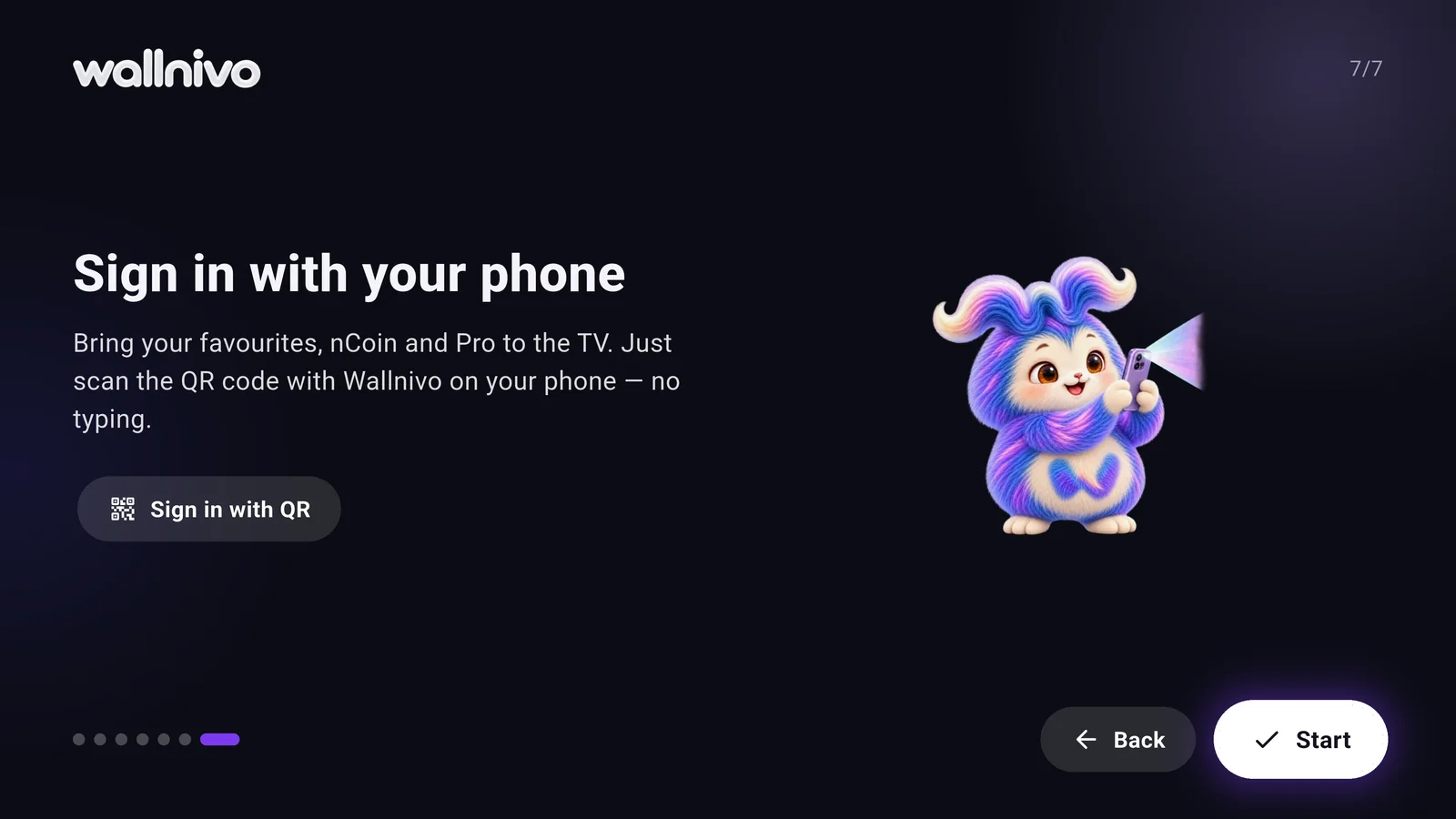
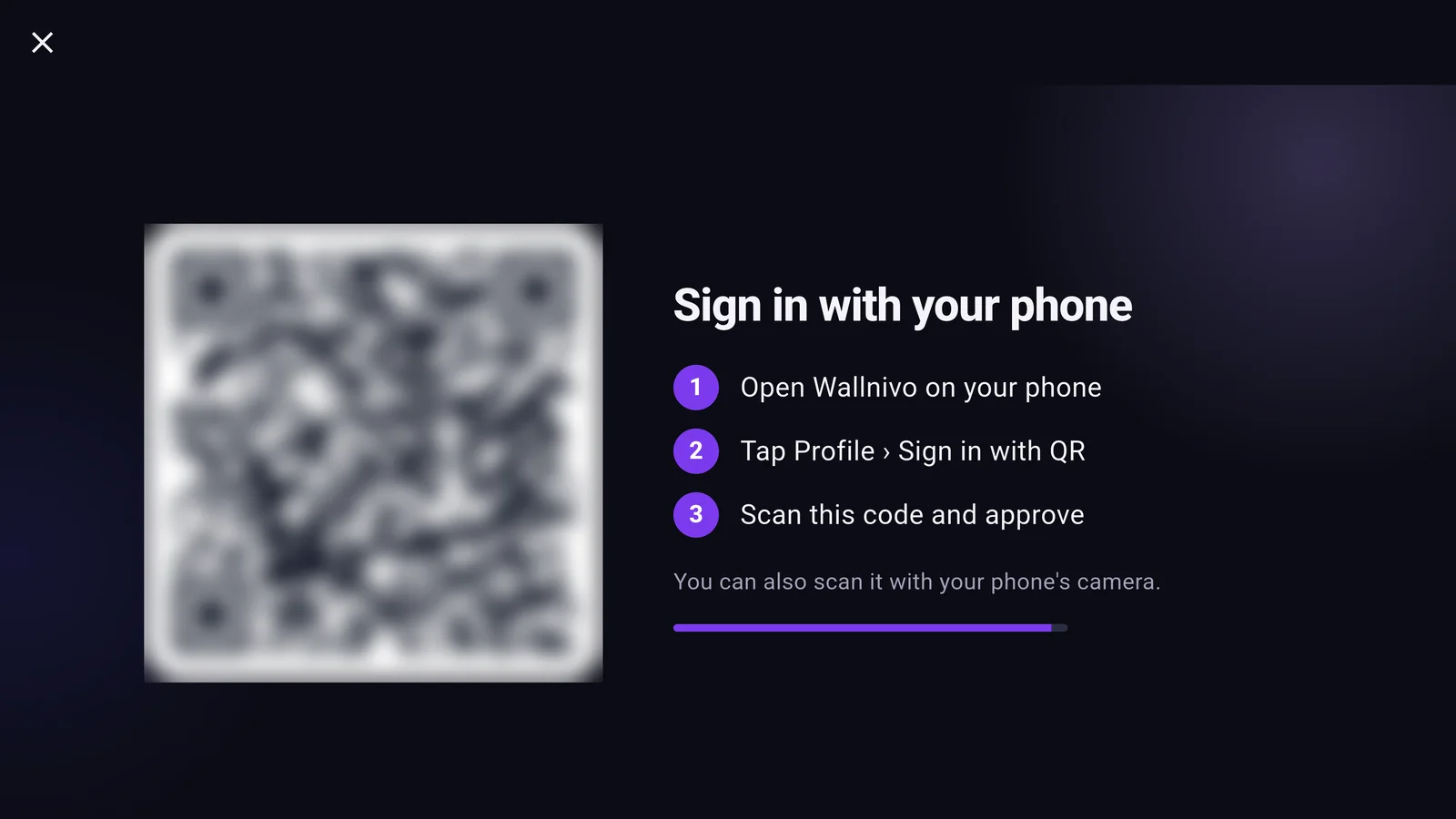
No typing passwords on your TV. Scan the QR code with your phone and approve. Your favourites, nCoin and Pro land on your TV in seconds.
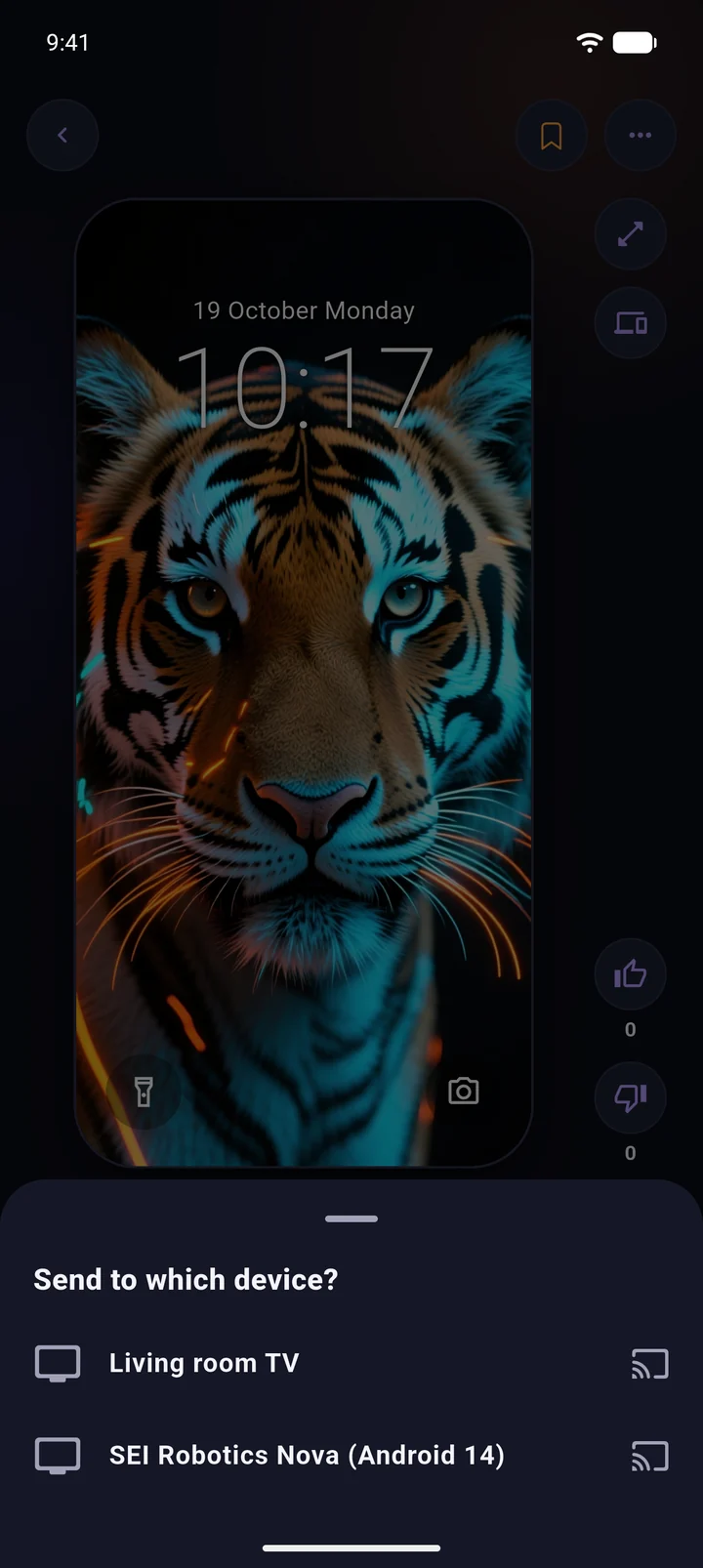
Like it? Send it to your TV.
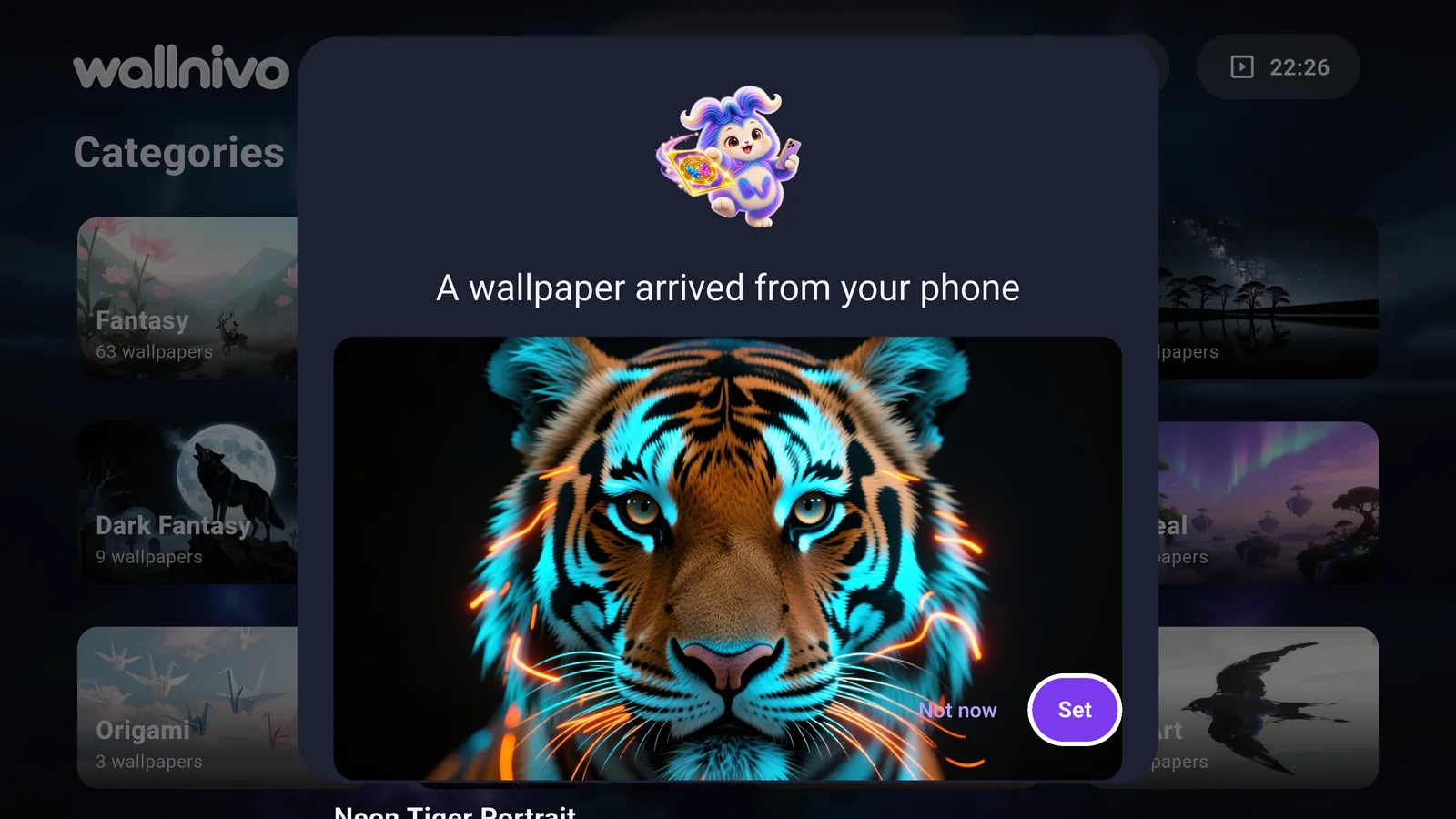
Send the wallpaper on your phone to your TV with one tap. The TV asks, you approve, and it’s in your living room.
The showcase goes on, internet or not.
Download pictures to your TV. Even if the connection drops, the showcase and screensaver keep going.
Same membership, bigger screen.
Original quality up to 8K, Pro collections and early access, moving scenes and free nCoin every month. Pro bought on your phone works on your TV too.
Frequently asked
Which TVs does it run on?
TVs and TV boxes running Android TV or Google TV.
Does Wallnivo change my TV’s home-screen background?
Google TV’s own home screen shows no wallpaper. Wallnivo shows your pictures in the Wallnivo row on the home screen, the screensaver and the showcase; with Projectivy Launcher it becomes the launcher’s background.
Do I have to sign in on the TV?
No, you can browse as a guest. For your favourites, nCoin and Pro, a QR sign-in with your phone is all it takes.
How many devices can I use with my account?
One phone, one TV and one computer on a free account; more with Pro.
Screenshots show the app in English; Wallnivo comes in 13 languages and opens in your phone’s language.